 AI Translate
 Zentra VPN
Scan anything.
100% offline.
The free scanner app for iPhone. Turn documents, photos, receipts and notes into PDFs in seconds, with OCR text extraction, smart crop and multi-page support. No internet required, and everything stays on your device.
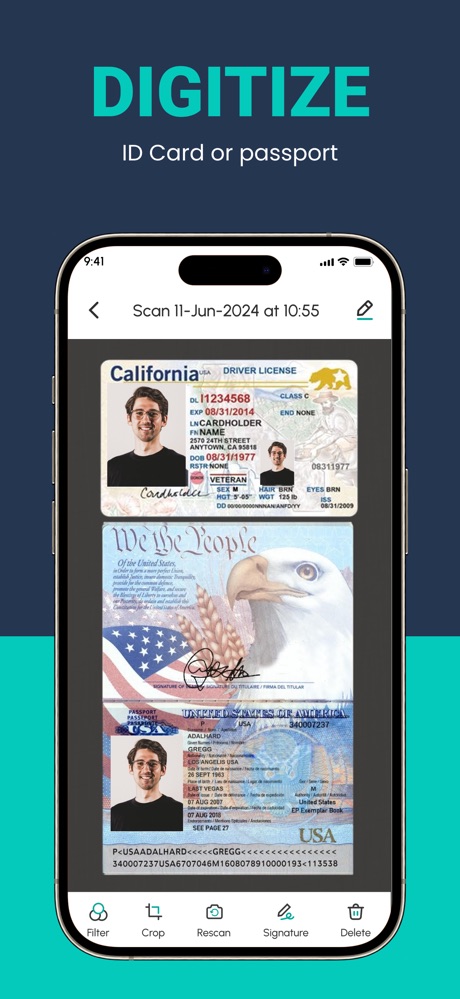
Your privacy is protected by design
- No internet connection required for any feature
- All scanned documents stored on your device only
- No user account or sign-in required
- No cloud uploads — ever
- OCR processing happens entirely on-device
- PDF files saved to your iPhone's local storage
Everything you need to go paperless.
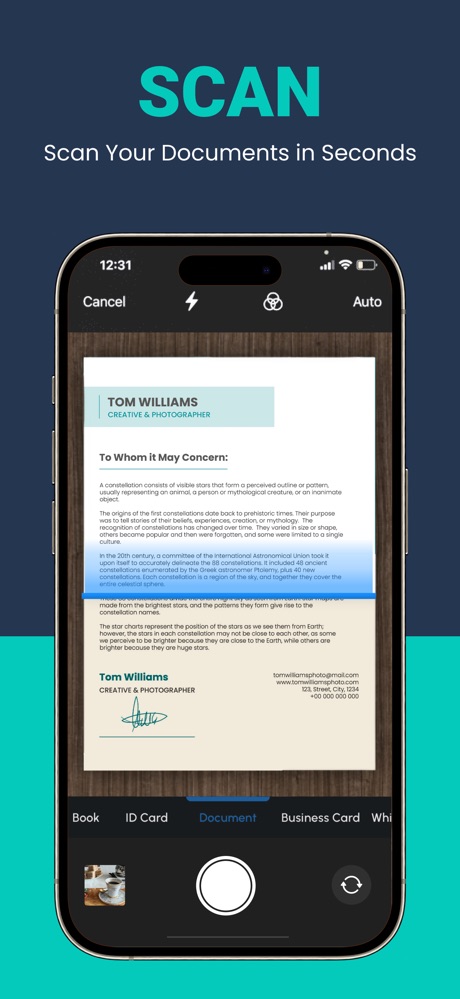
Aim at any document and tap. The app detects the edges automatically and captures a perfectly cropped scan.
On-device OCR turns any scan into editable, searchable text. Works on printed text, handwritten notes, invoices and more.
Edge detection finds document borders precisely. Adjust by hand if you need to, and enhance with colour filters and brightness.
Scan several pages in one session and combine them into a single PDF. Reorder, rotate, crop or delete pages before saving.
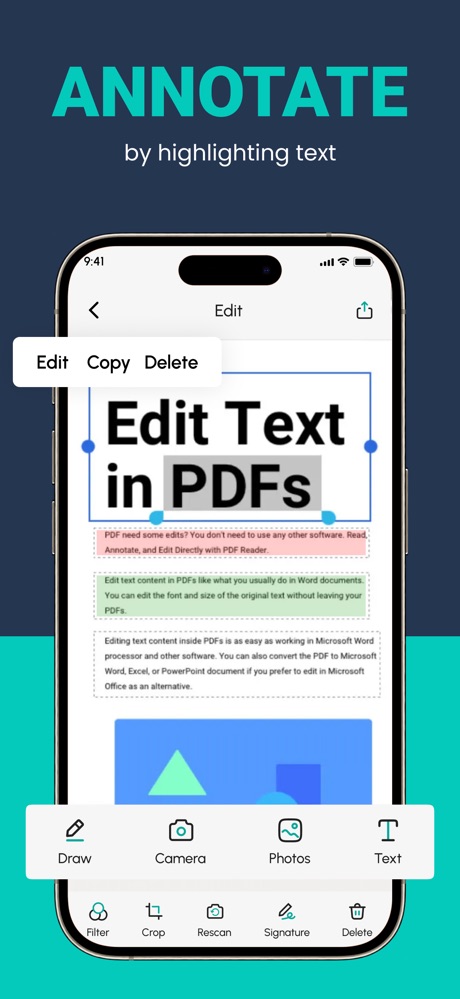
Annotate documents, add digital signatures, insert watermarks and highlight what matters, right in the app.
Share by email or AirDrop, save to the Files app, or send to any other app on your iPhone with one tap.
Fully offline. Truly private.
PDF Scanner is built to work completely offline. Every feature (scanning, OCR, PDF creation and editing) works without an internet connection.
Your documents never leave your device. There are no accounts, no cloud sync and no server uploads. Your data stays exactly where it belongs: with you.
- Works in airplane mode
- No account or sign-in needed
- All OCR processing on-device
- PDFs saved to your iPhone storage
19,000+ people trust it.
“Simple, crisp, concise. The UI is extremely streamlined, no watermarks, very fast. Blown away by the experience.”
“The OCR feature is fantastic. I can search through scanned docs and edit the text. A must-have for professionals.”
“Been using this for years. Scan, crop, OCR, share — it replaced my entire filing system. Five stars without question.”
Does PDF Scanner work offline?
Yes — PDF Scanner is 100% offline. Every feature, including scanning, OCR, and PDF creation, works without an internet connection. No Wi-Fi or mobile data required.
Where are my documents stored?
All scanned documents and PDFs are stored only on your iPhone. Nothing is uploaded to any server or cloud service — ever. Your data stays entirely on your device.
Does OCR work offline too?
Yes. OCR text extraction is processed entirely on-device. No text from your documents is sent to external servers. Everything happens locally on your iPhone.
Can I scan multiple pages into one PDF?
Yes. Scan multiple pages in one session and combine them into a single PDF. You can reorder, rotate, crop or delete individual pages before saving.
Is PDF Scanner free?
Yes — completely free to download. Core scanning features are free. Optional premium subscriptions unlock unlimited scanning and an ad-free experience.
How do I get support?
Email us at help@knappsstudio.com and we'll respond within 1–2 business days.
Download PDF Scanner.
It's free.
100% offline. 19,000+ ratings. Free on iPhone and iPad.