 AI Translate
 PDF Scanner
Private by default.
One click away.
Zentra hides your IP address and encrypts your connection at home, at work and on public Wi-Fi. It picks the fastest server for you and stays out of the way in your menu bar.
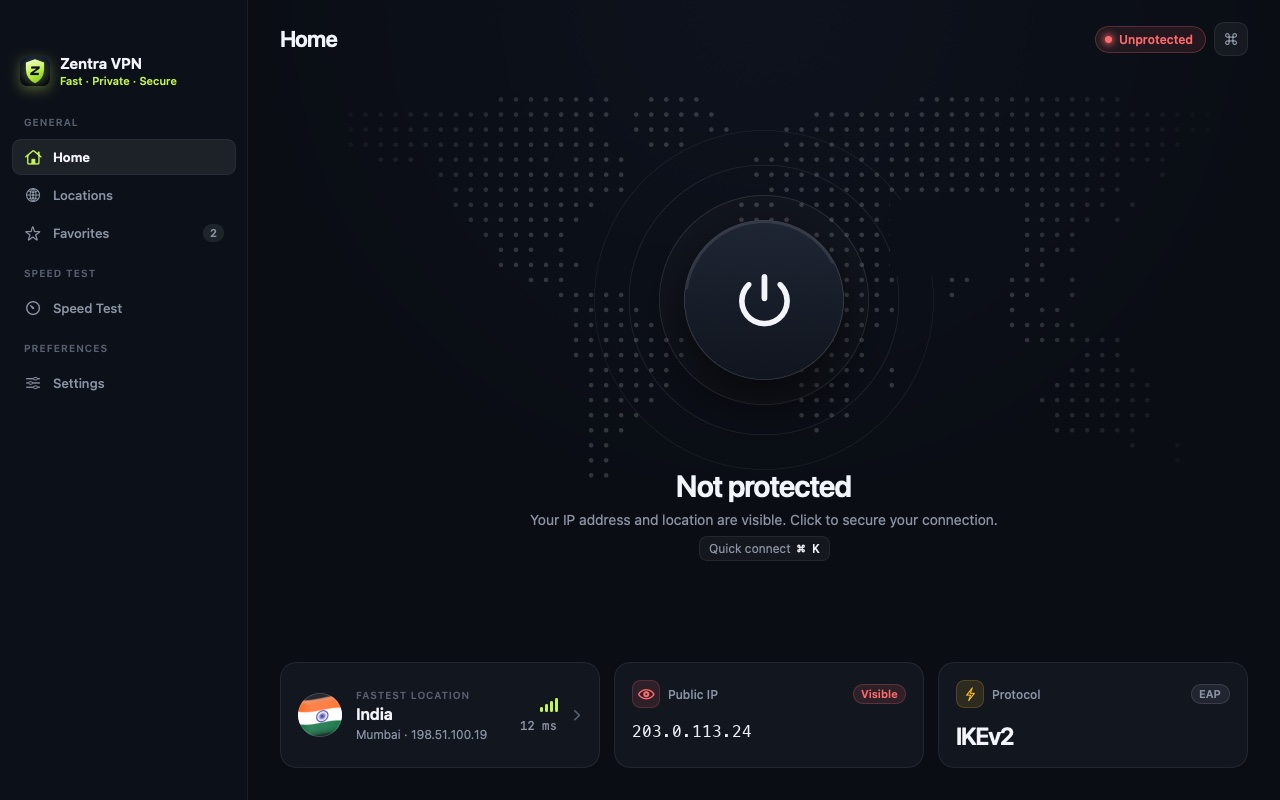
Everything you need. Nothing you don't.
A native Mac app, built with SwiftUI, that feels right at home on macOS.
Press the button or hit ⌘K. Zentra connects to the fastest server and shows your new IP instantly.
Zentra measures the latency to every server from your Mac and connects you to the quickest one. Switch to any country with one click.

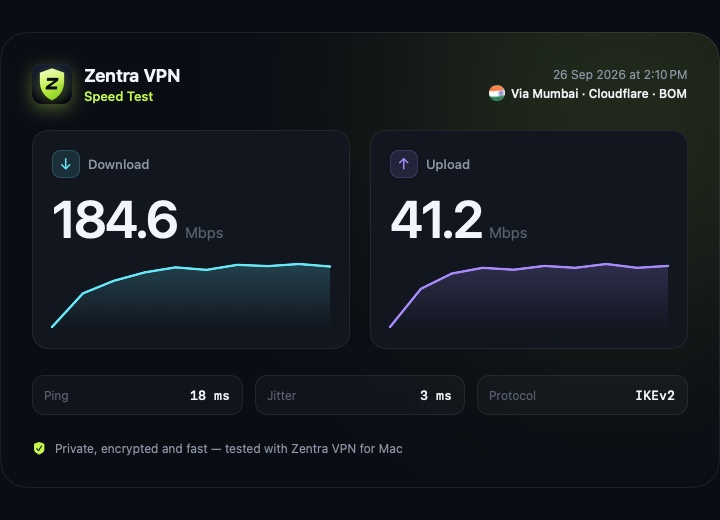
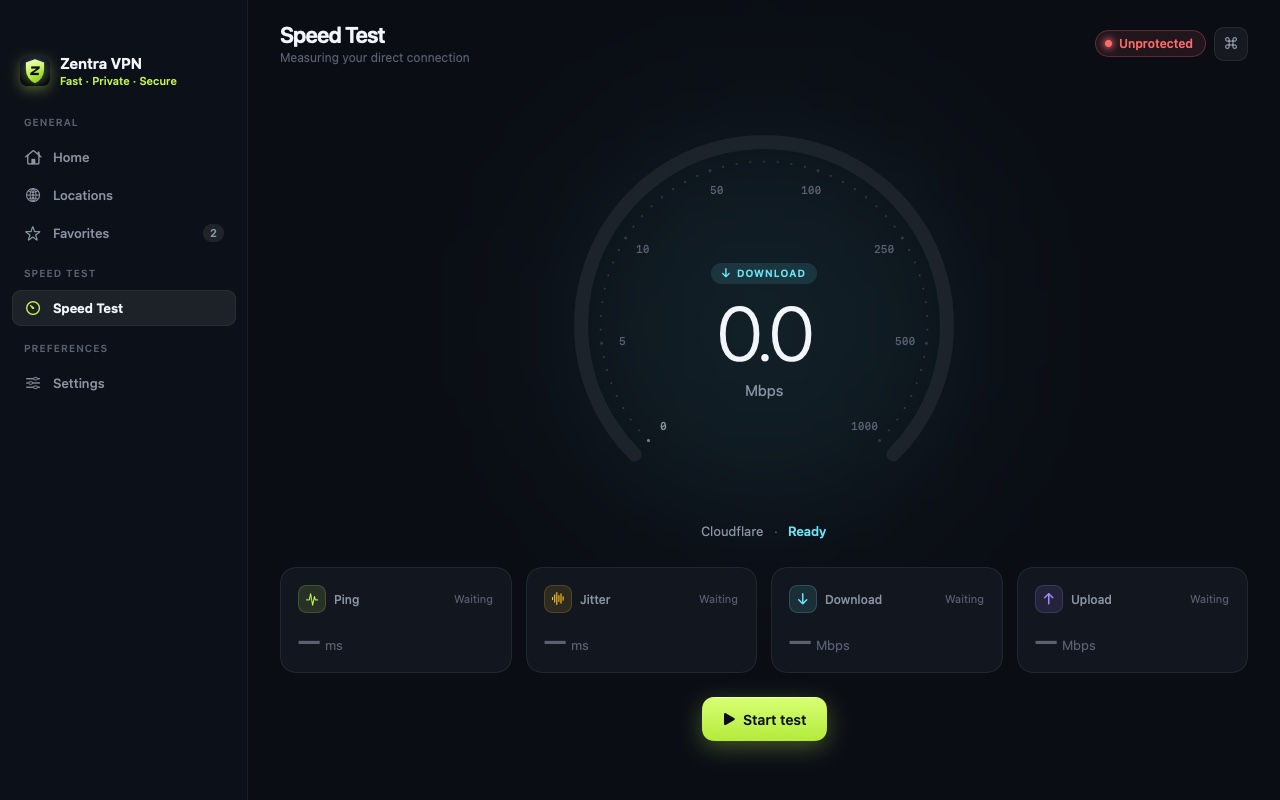
Measure ping, jitter, download and upload in seconds, then share a clean result card.
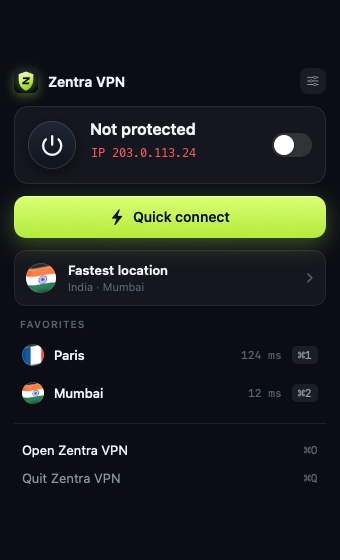
Connect, disconnect, see your status and jump to favorites without opening the main window.
IKEv2 with AES-256, SHA-256 and DH group 14, using the VPN engine built into macOS. No extra drivers or kernel extensions.
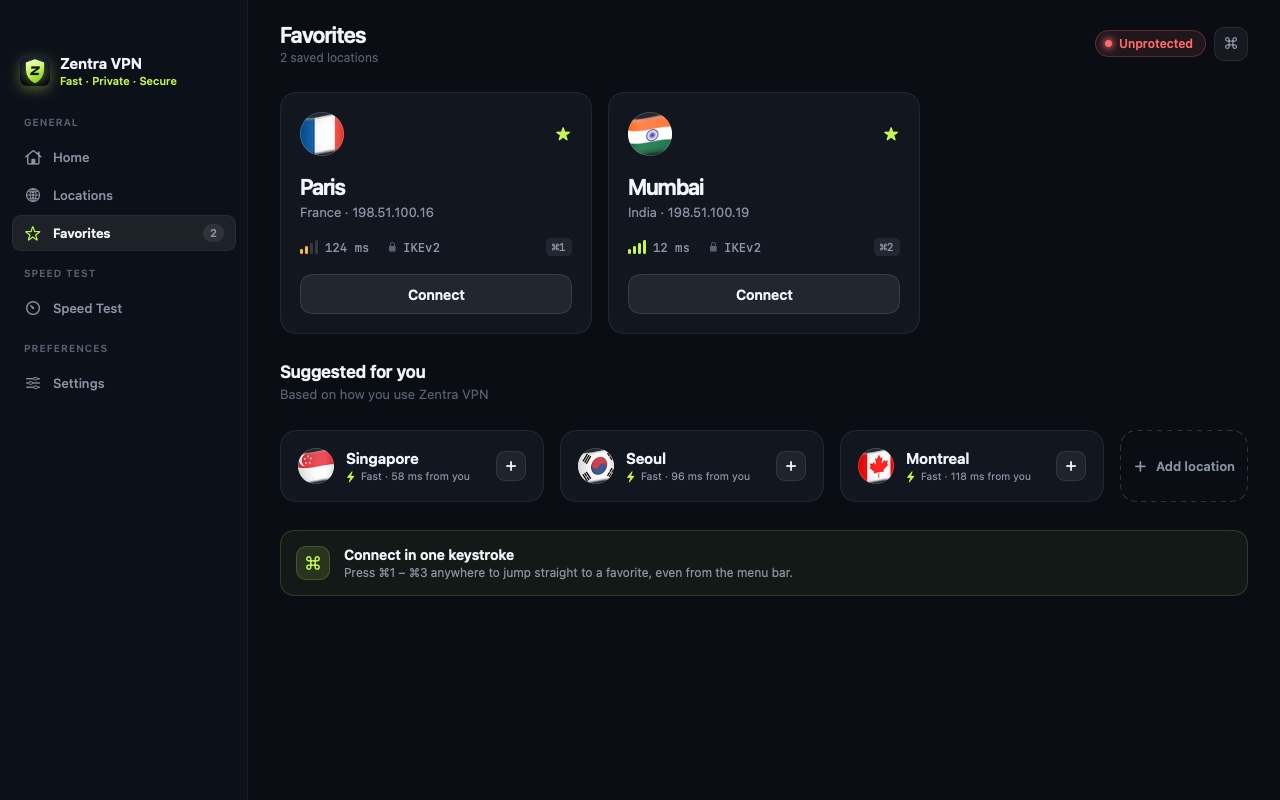
Star the places you use most and connect with ⌘1–⌘3 from anywhere, even the menu bar.
Launch at login and reconnect to your last location automatically every time Zentra opens.
Your privacy, in plain words.
The same promises we show you inside the app, before you ever connect.
We don't record the websites you visit, what you download or what you do online.
No email, no password, no profile. There's nothing to sign up for and nothing to leak.
Traffic between your Mac and our servers is encrypted with IKEv2, even on open Wi-Fi.
Crash reports and basic usage stats help us fix bugs. They're never sold or used for ads.
Designed for the Mac.
Is Zentra VPN free?
Yes. Zentra VPN 1.0 is completely free, with every server location available and no ads. If we add optional paid features in the future, everything that's free today will be clearly explained in the app first.
Do I need to create an account?
No. There's no sign-up and no login. Open the app, allow the VPN configuration once, and connect.
Does Zentra keep logs of what I do?
No. We don't log the websites you visit, the content of your traffic or your DNS queries. Our Privacy Policy explains exactly what the app does and doesn't process.
Why does macOS ask to "Add VPN Configurations"?
That's Apple's standard permission for any VPN app. It lets Zentra create its VPN profile in System Settings › VPN. You can remove it at any time there, or from Zentra's Settings › Reset VPN profile.
Which protocol and encryption does Zentra use?
IKEv2 through Apple's built-in Network Extension framework, with AES-256 encryption, SHA-256 integrity and Diffie-Hellman group 14 key exchange.
Does a VPN make me completely anonymous?
No VPN can promise that. Zentra hides your IP address from the sites you visit and encrypts your traffic between your Mac and our server, so your network provider or public Wi-Fi can't see what you do. Websites can still recognise you if you sign in or through cookies.
Is Zentra available for iPhone or Windows?
Zentra VPN is currently made for Mac. Email us if you'd like to hear when it comes to other platforms.
Take back your privacy.
It's free.
Free on the Mac App Store. No account, no activity logs — just one click to connect.